IMMERSION
& FUN.
Download mLearnYour submarine takes you down into the deep sea of foreign languages, deeper into understanding, until you return to conversation sailing under your own sails.
A sentence transforms into another language and reveals its pronunciation.
FREE
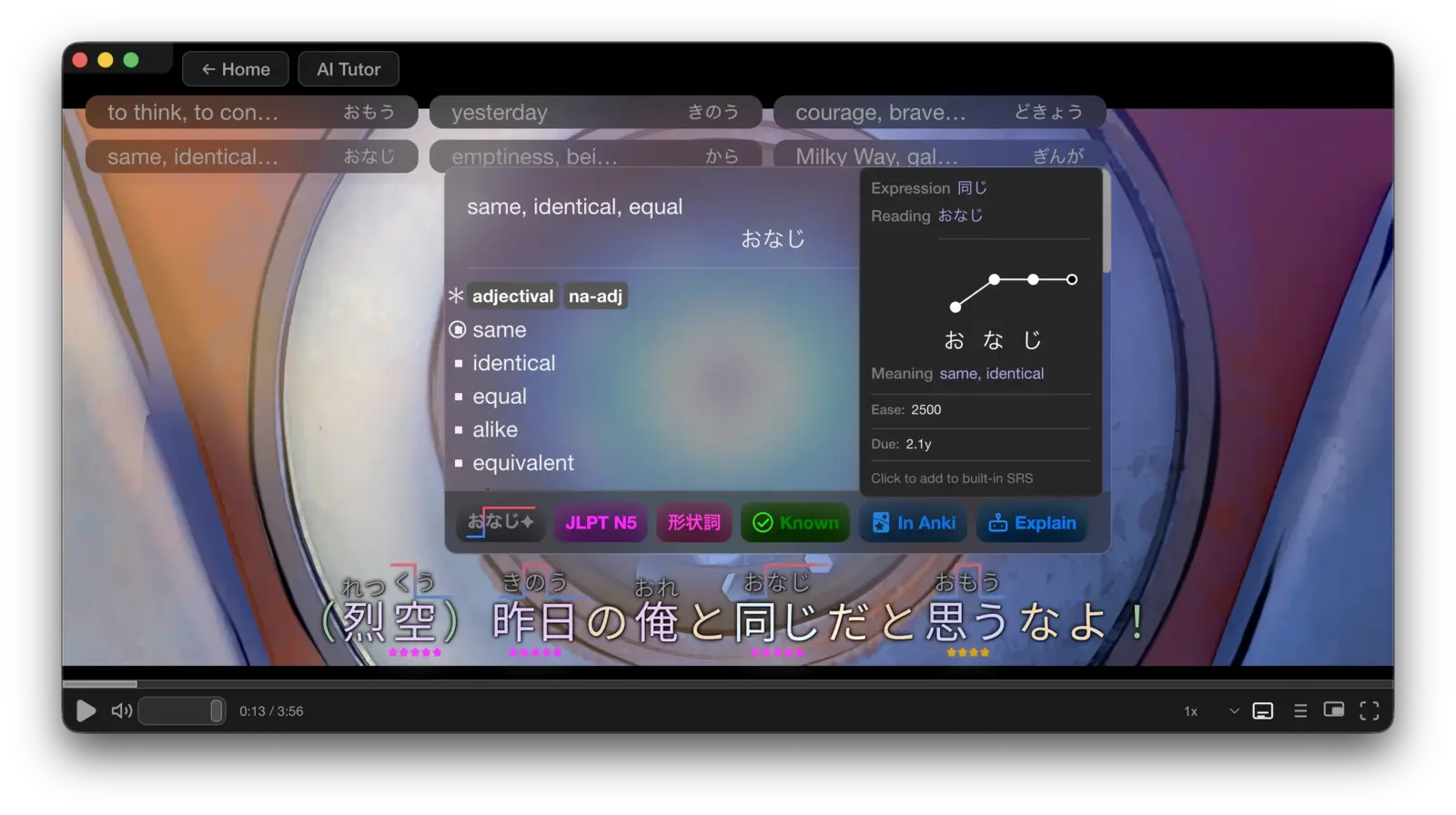
What you get
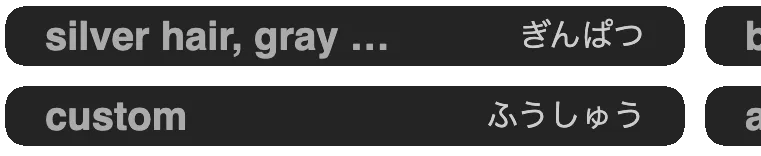
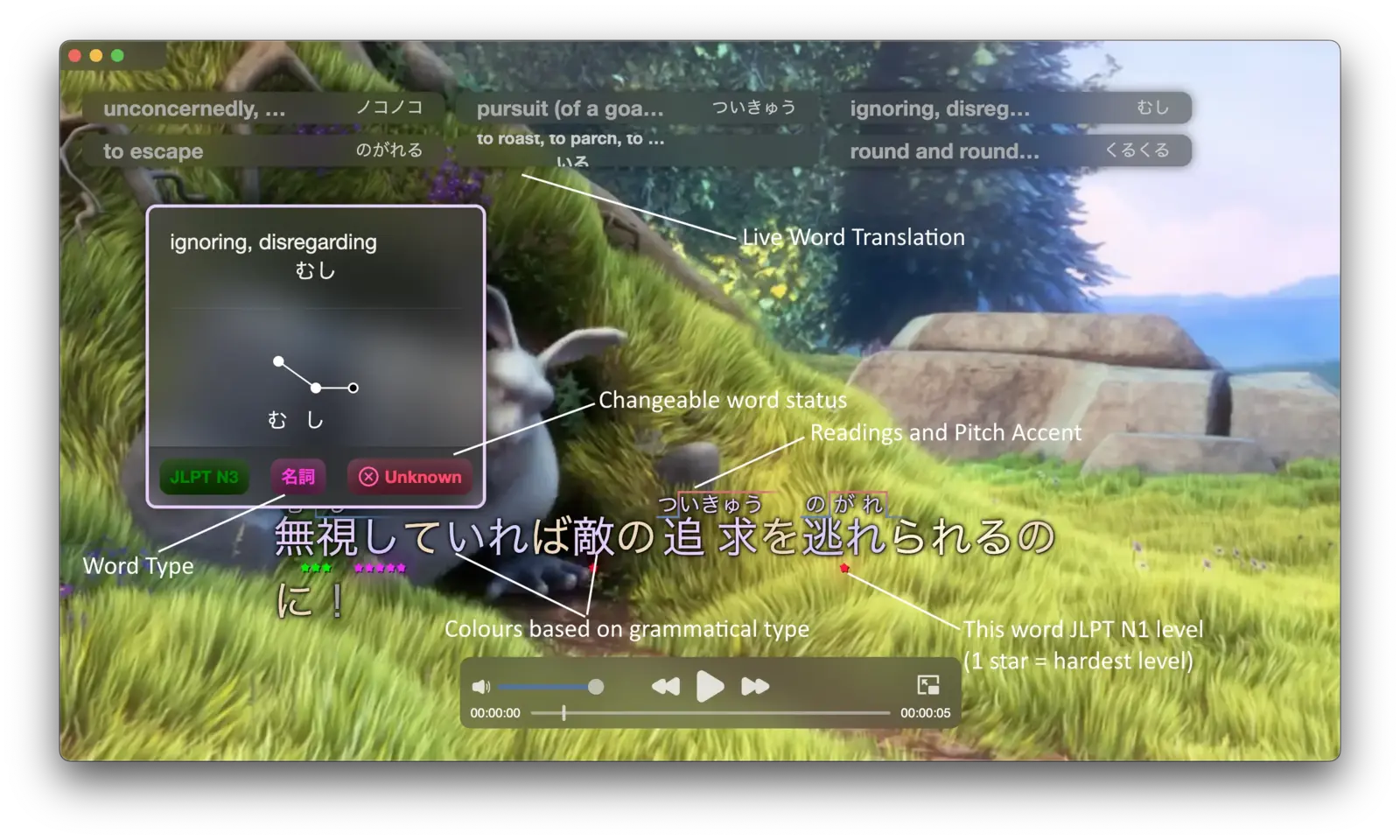
Live word translation
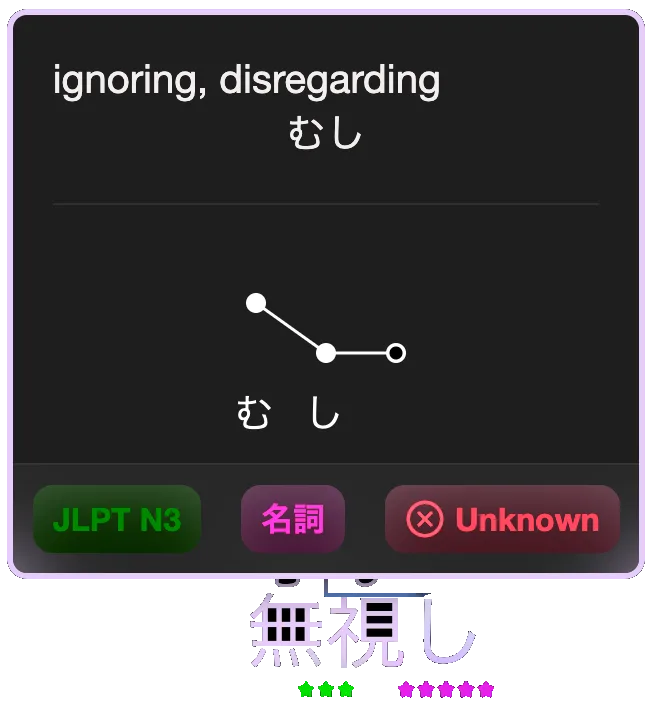
Intelligent Lookups
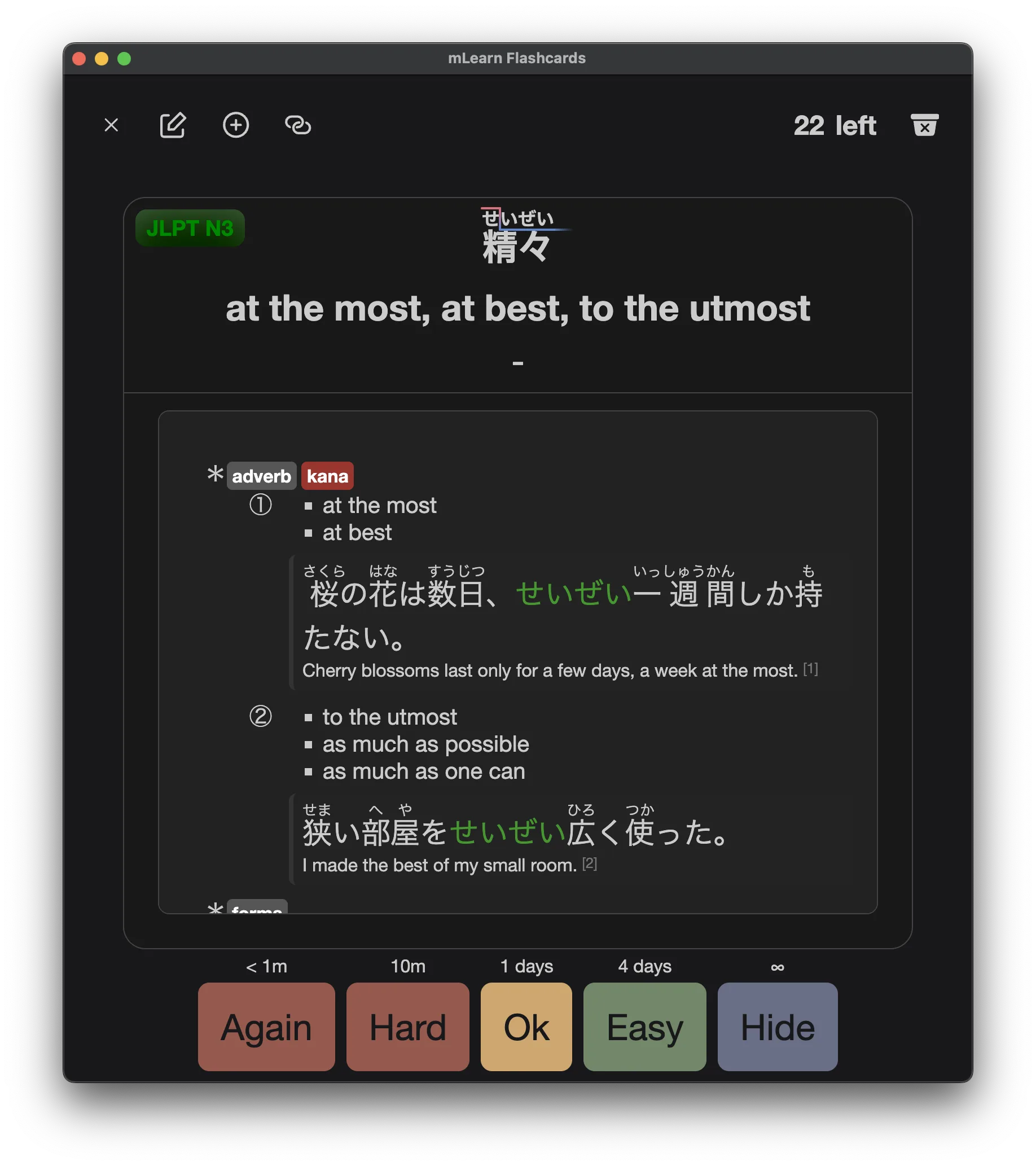
SRS + auto flashcards

Prosody built in (pitch accent, tones)
Smart vocab test
Battery friendly

Subtitle overlay & Syncing
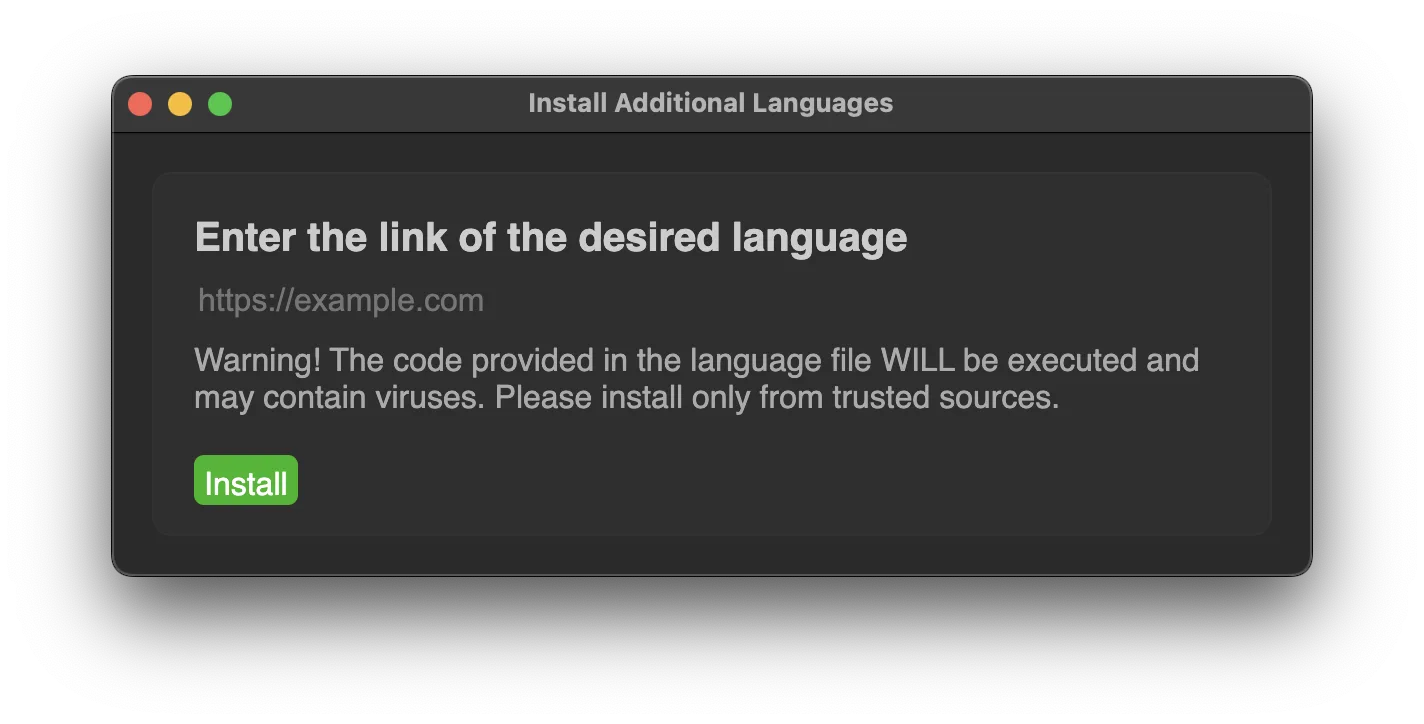
Multiple languages

Grammar colors
Browser extension
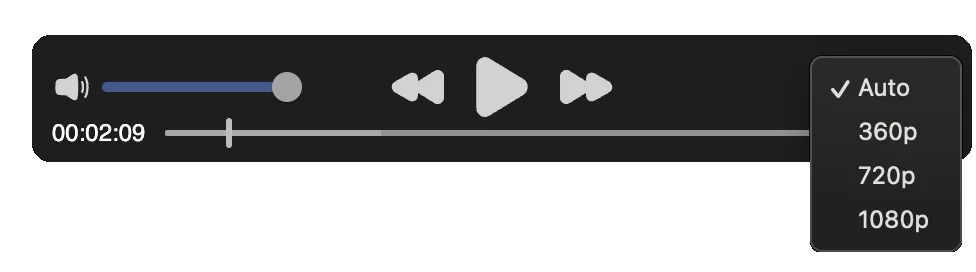
Any video source

mLearn

Anki sync
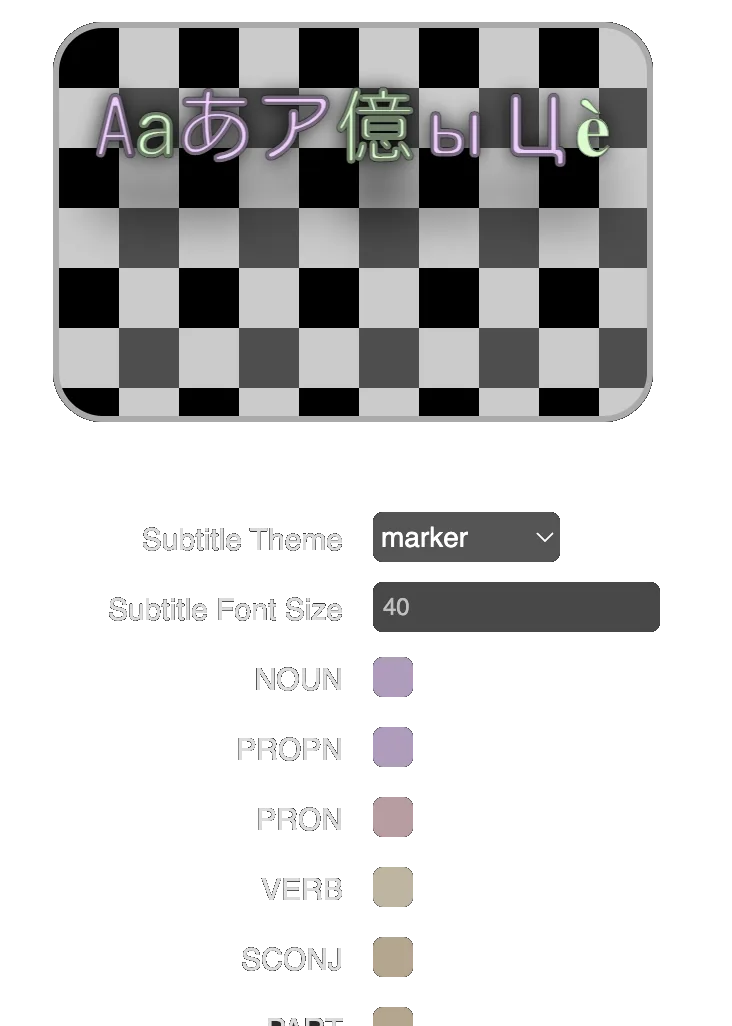
Very customizable
Watch anything with interactive subtitles
Drop in a local video file. Click any word in the subtitles for an instant definition with pitch accent (where supported) and exam level. One click turns it into a flashcard with the video screenshot as context. You can also use it in your browser for streaming sites.
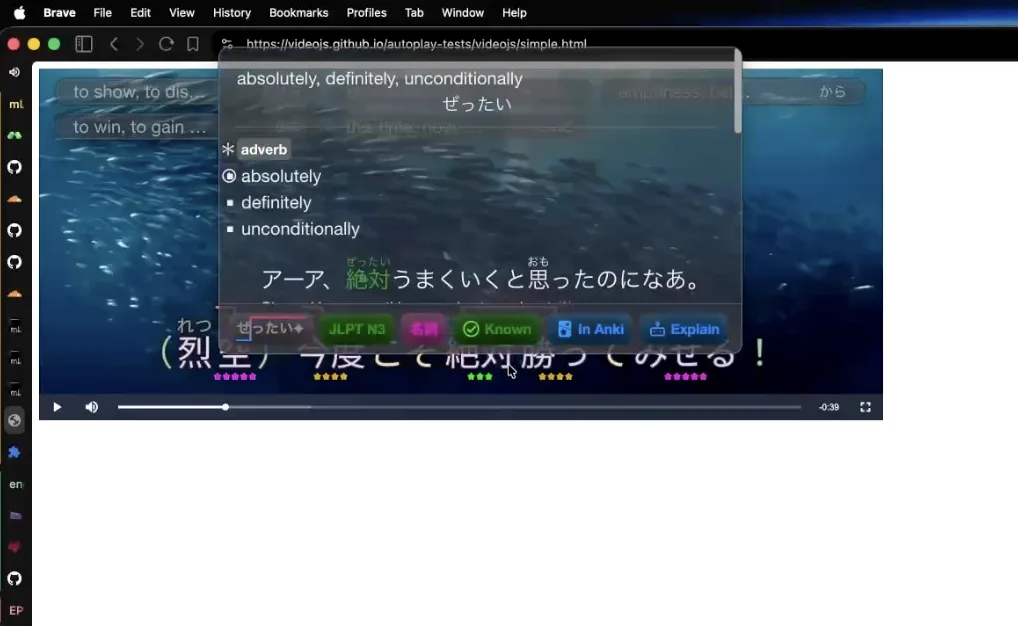
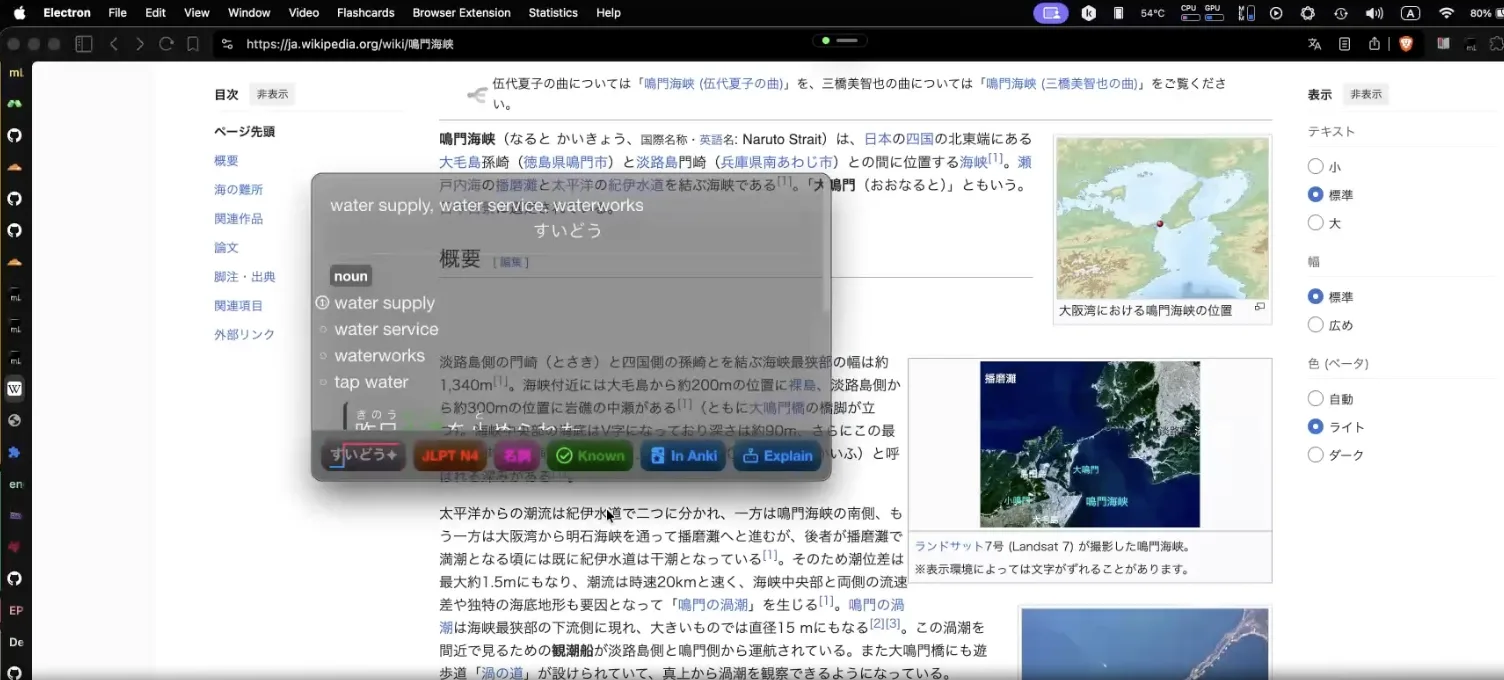
Subtitles over any app
A transparent, always-on-top subtitle window for any video player — Netflix, YouTube, VLC, your own files, whatever. On YouTube, subtitles are grabbed automatically: just turn them on in the player and they appear in the overlay, no file needed. Click or hover any word for instant lookup and one-click flashcards. It also works as a web overlay: long-press any word on any website to look it up without leaving the page.
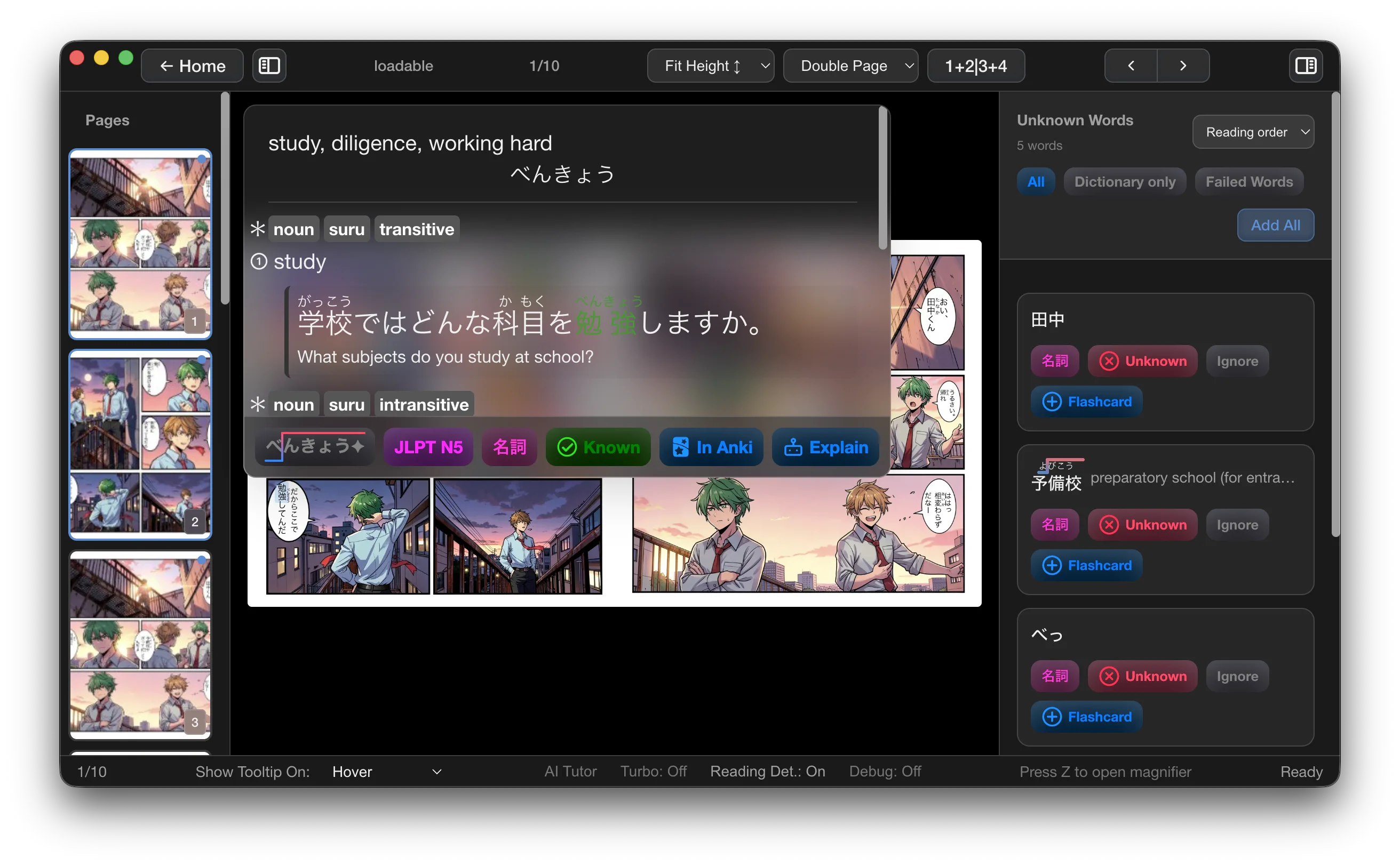
Read manga and PDFs with OCR
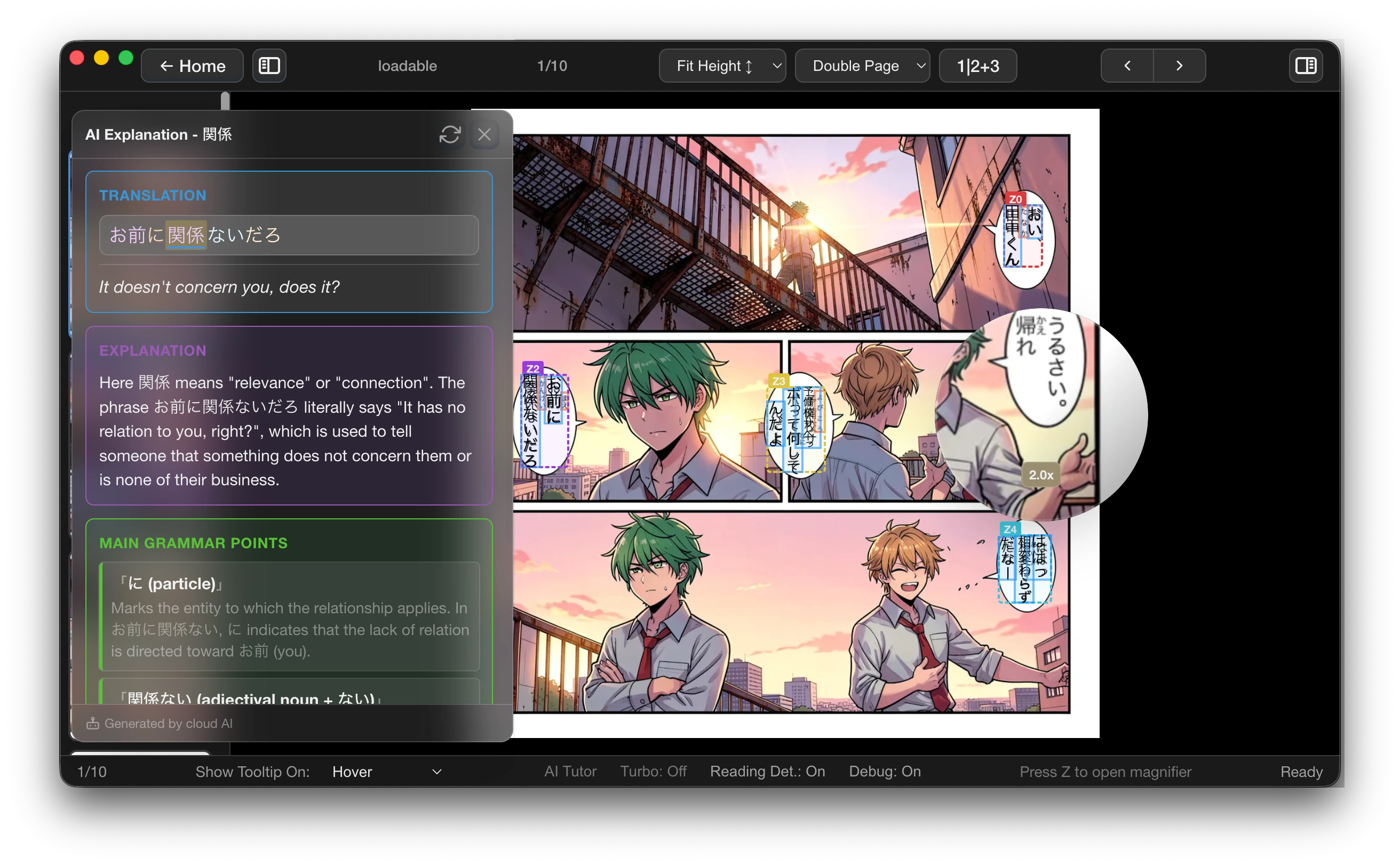
Open a folder of images or a PDF. mLearn runs OCR in real time — hover any text for instant lookup, just like video subtitles. Double-page spread, fit-to-height, magnifying glass, reading aid hider — it's all there.
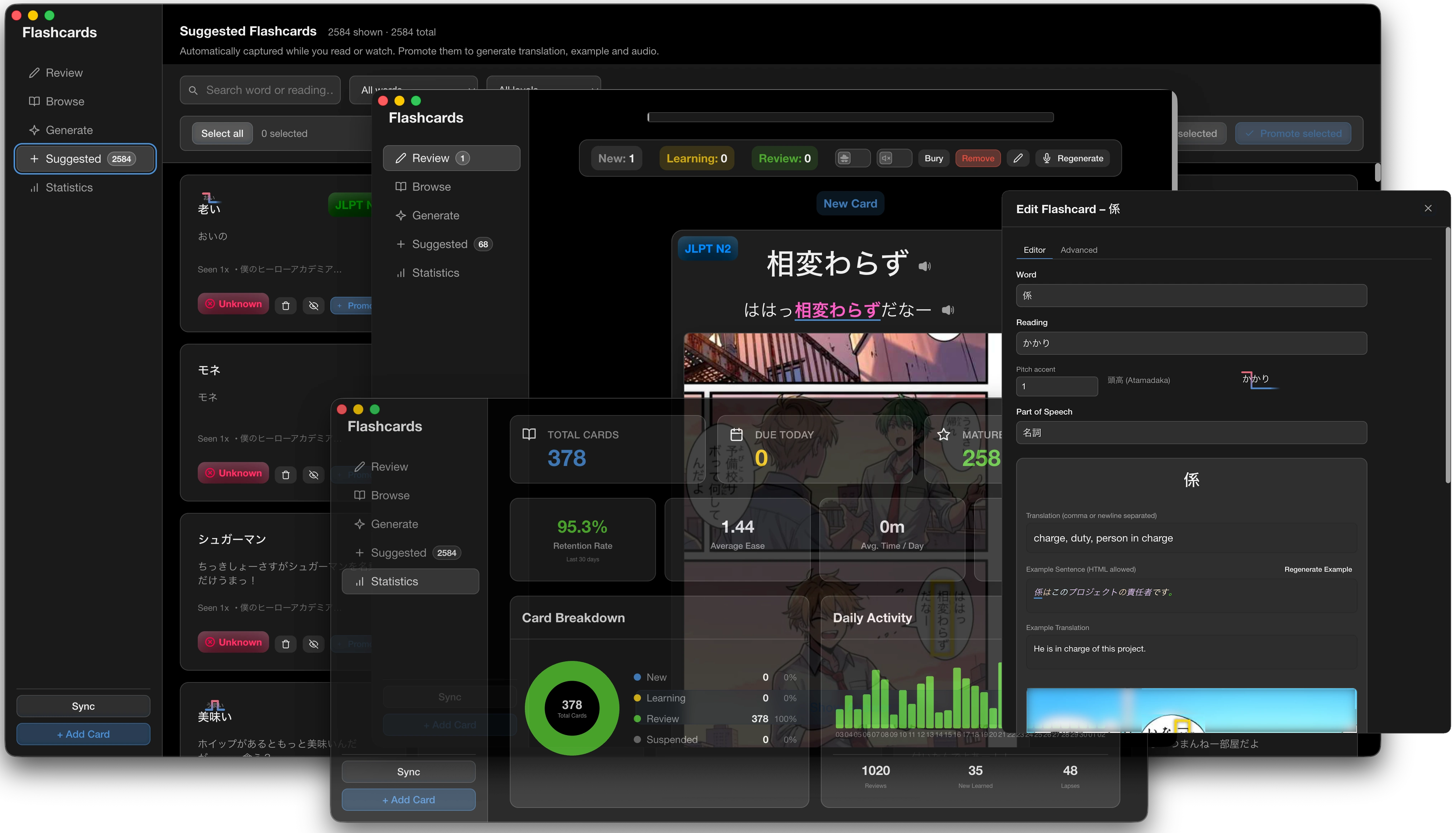
Flashcards that build themselves
Every word you click in a video or manga can become a flashcard automatically — with the screenshot, audio, and context sentence included. The SRS handles the scheduling. You just review.
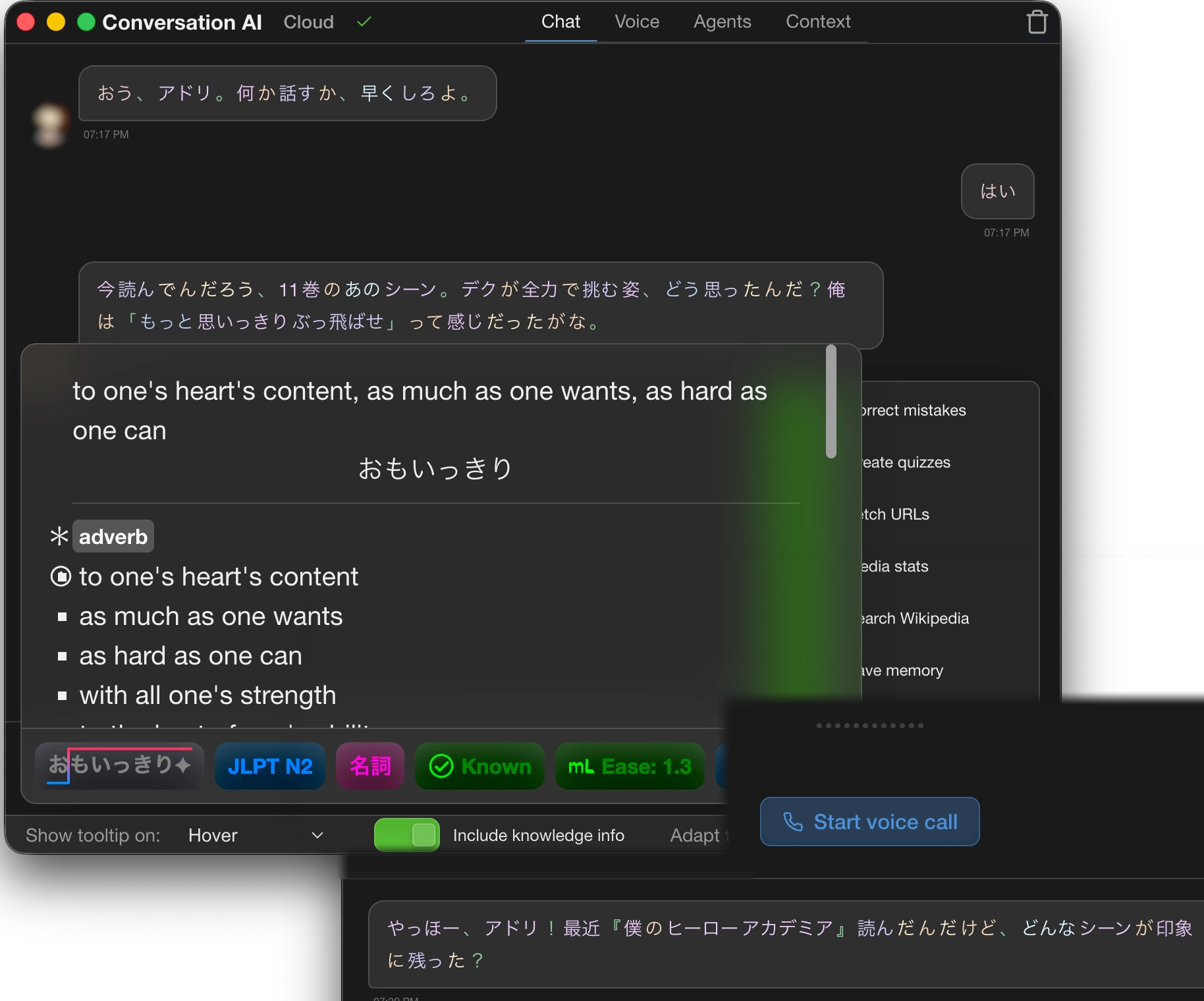
AI tutor when you need help
Stuck on a grammar point? Ask the built-in AI for an explanation in context. It runs locally on your machine — no internet needed, no data sent anywhere. Voice mode is also available if you want to practice speaking.
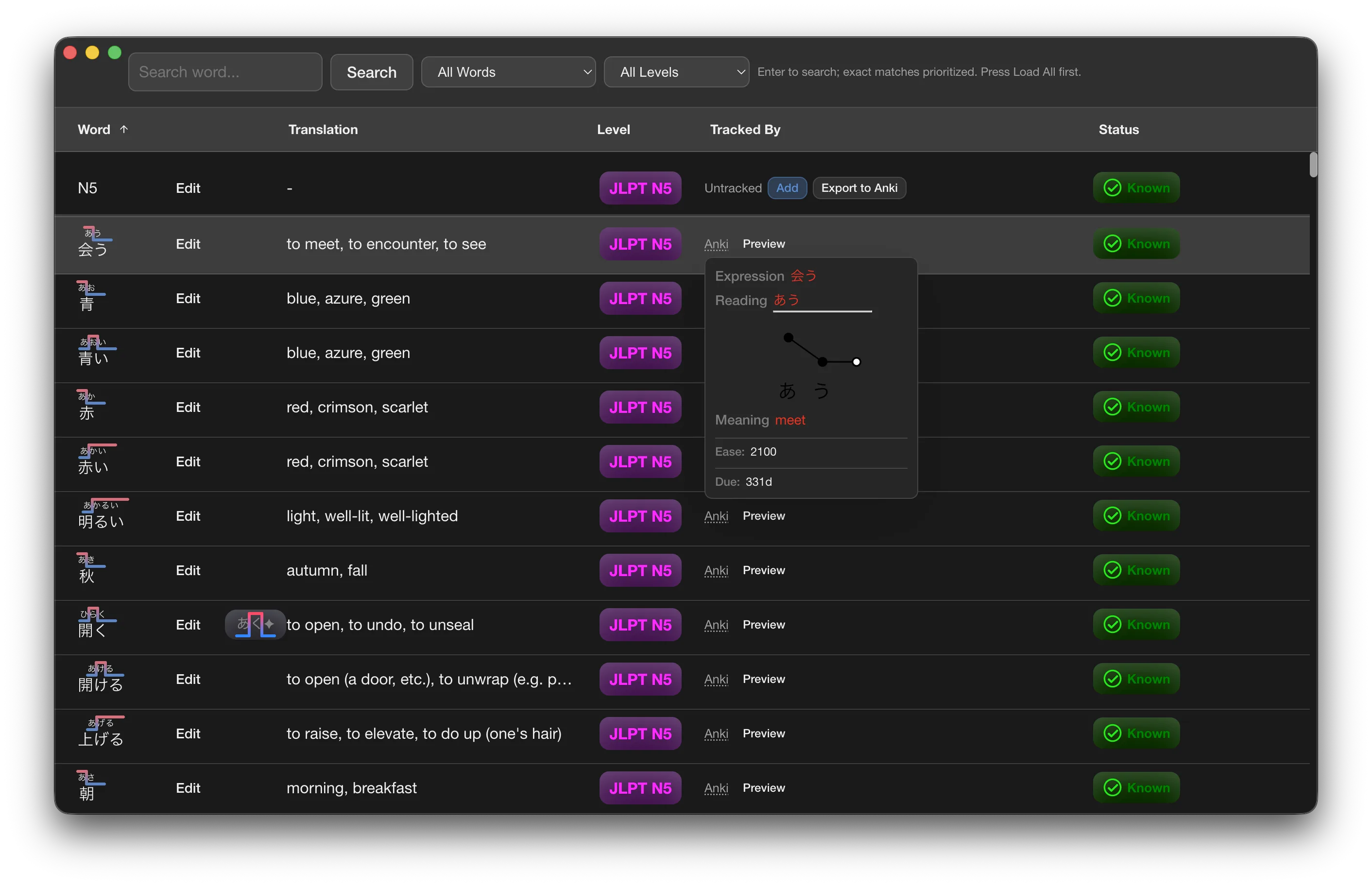
It remembers what you see
mLearn passively tracks every word you encounter across videos and books. See a word ten times but still hover it? The app notices and can automatically flag it for review. You don't have to manually mark everything.
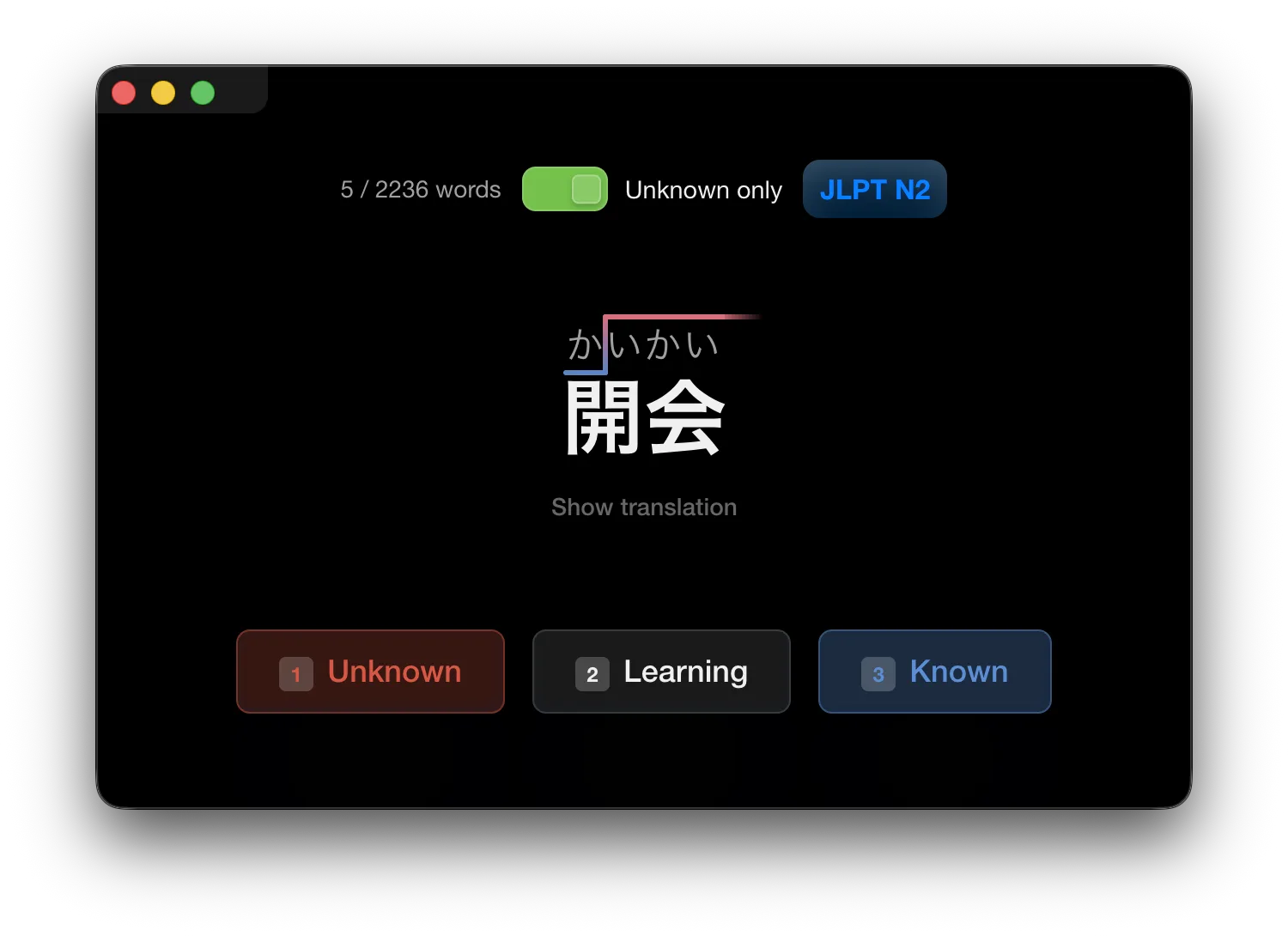
Smart vocabulary assessment
Don't know where to start? The word sync tool tests your vocabulary efficiently using weighted sampling. It prioritizes words with characters you already know, skips words you're solid on, and cross-checks your Anki deck.
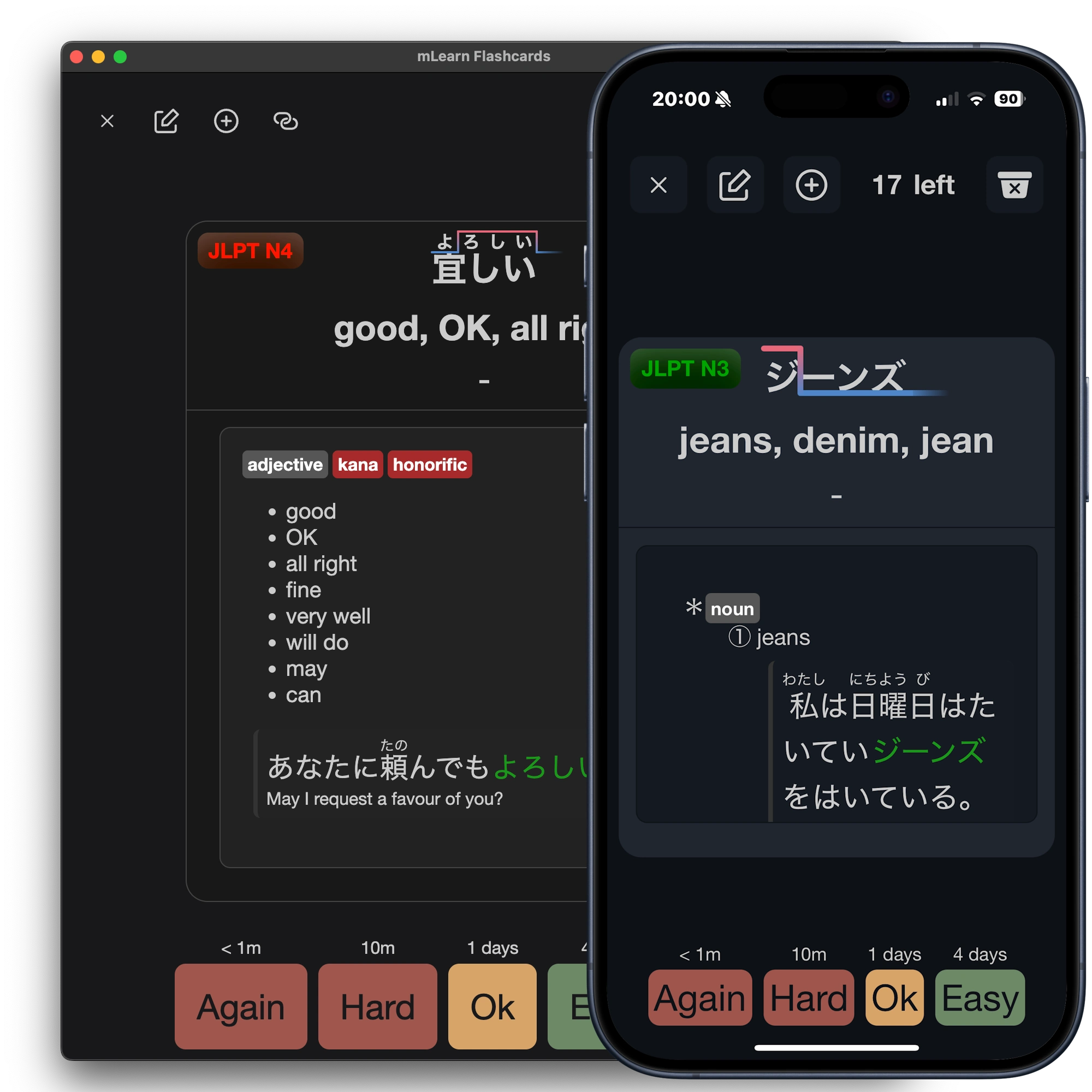
Phone and desktop, synced
Study flashcards on your phone, watch videos on your desktop. Flashcards and settings sync via a QR code scan — data transfers directly between your devices. We do not keep copies of your data.
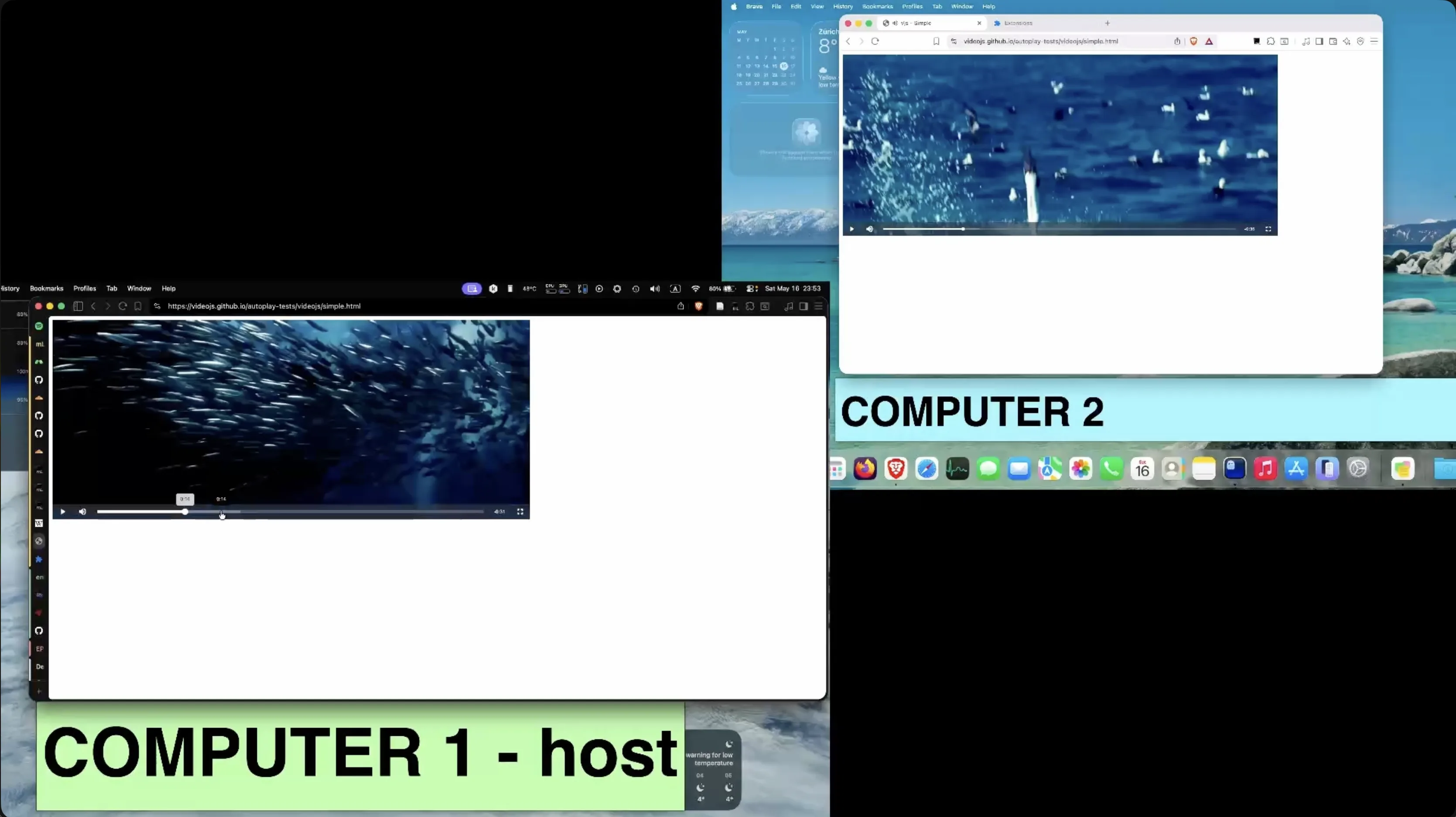
Watch together, learn together
Sync video playback with friends or students.
They don't even need the app — the browser link gives them synced subtitles and watch-together.
Intelligent lookups require the mLearn app running in the background.
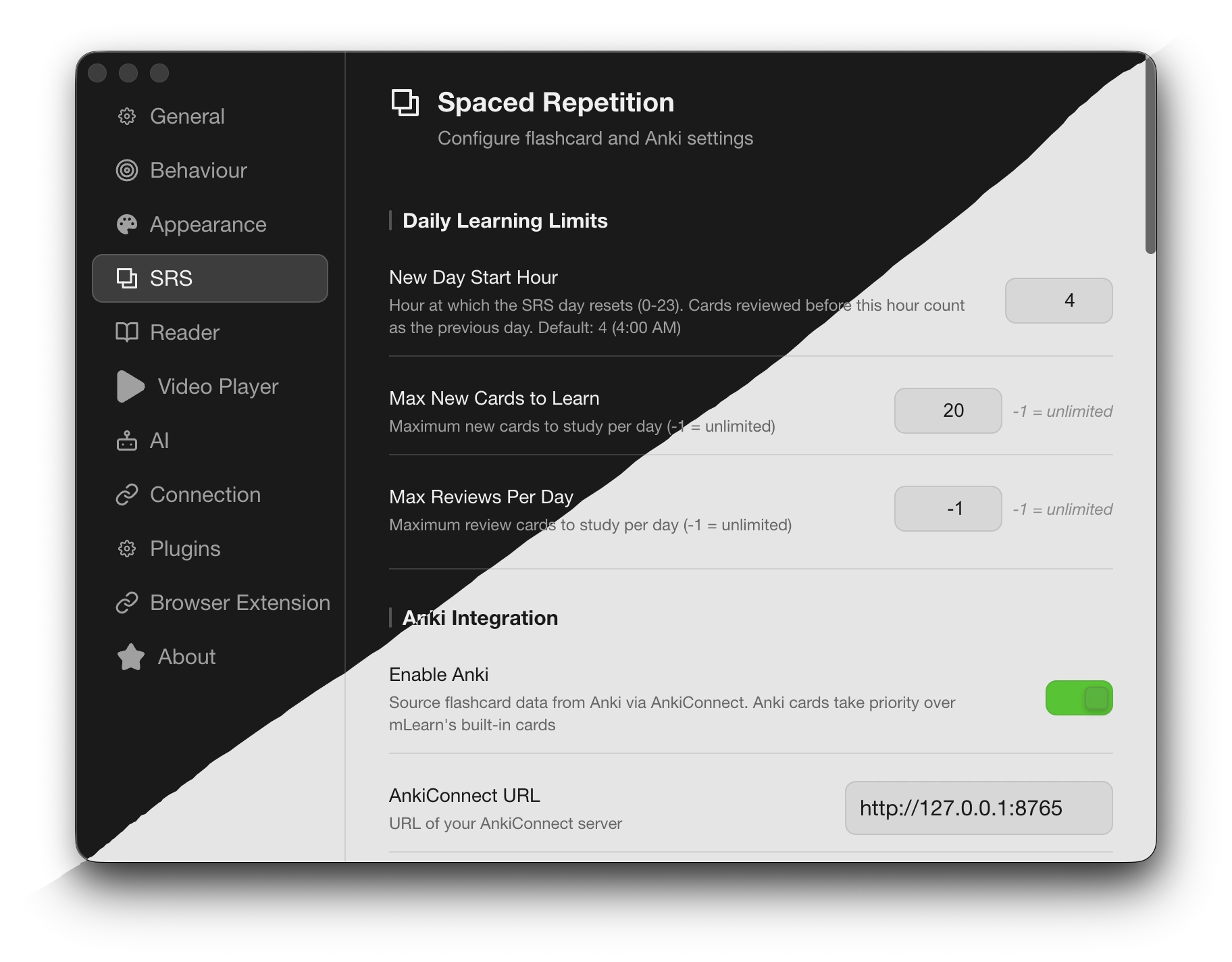
7 themes
Light, dark, darker, high contrast, glass light, and glass dark. Pick what feels right. The UI stays out of your way so you can focus on the content.
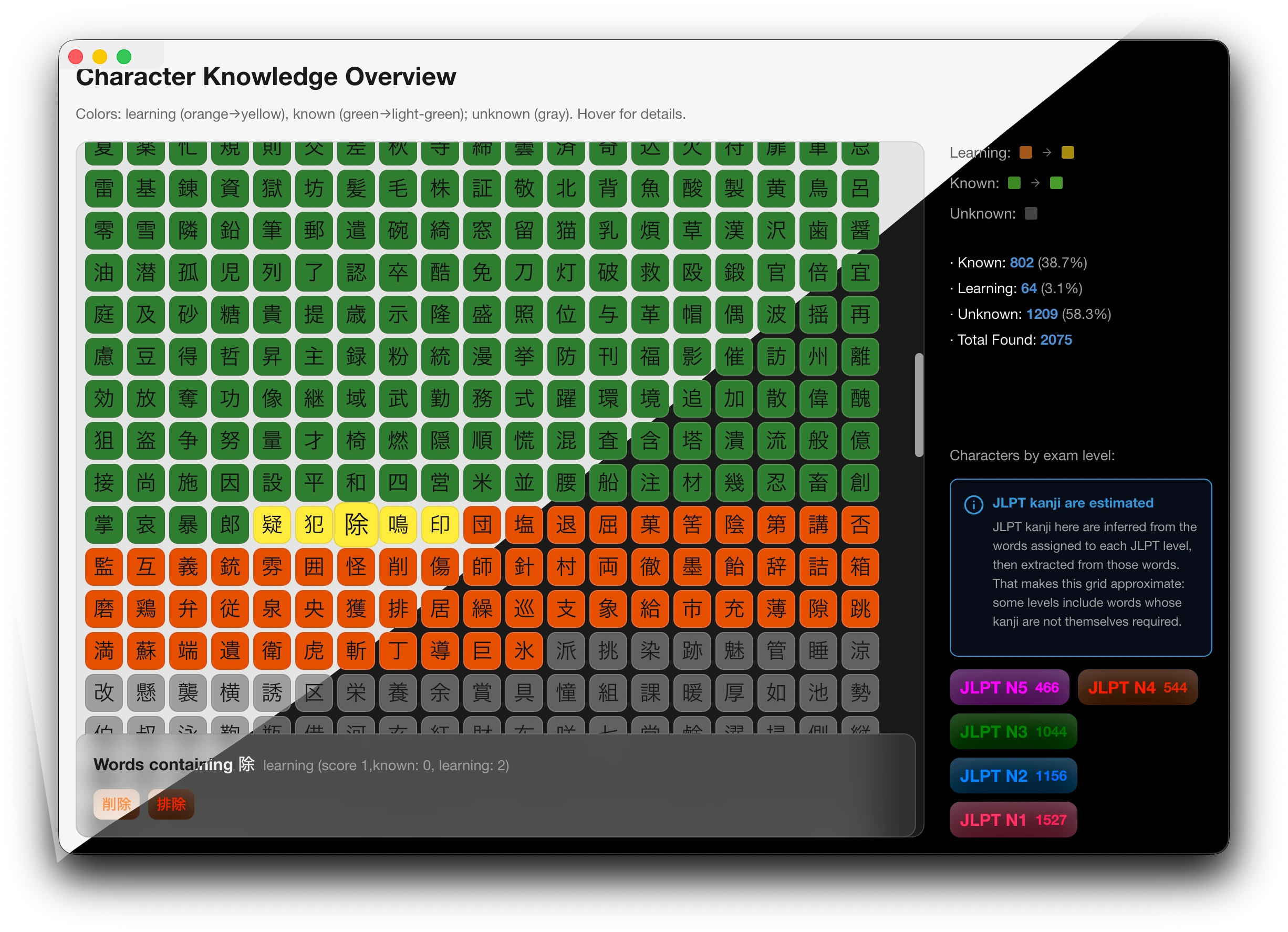
Character knowledge tracking
mLearn lets you know how many characters you can read based on words you know.* You can also filter characters based on exam level requirement.**
How to Use
Paste a video URL or drag a file into mLearn. For streaming sites, install the browser extension and click the mLearn icon.
For manga or PDFs, drag the file or folder into the Reader. OCR runs automatically.
What is what
Tutorials
Click here to watch tutorials.
Power efficiency
The app usually draws less power than a web browser. AI features use more resources when active, but everything else is lightweight. Great for long study sessions on battery.
System Requirements
Windows, macOS, or Linux. 6 GB RAM minimum. Any GPU that can play 1080p video.
For AI features (tutor, OCR, TTS), 16 GB RAM is recommended. Apple Silicon Macs get the best AI performance.
The PWA works on iOS and Android. A native mobile app is coming soon.
mLearn components
mLearn for Desktop: The main app — video player, reader, AI tutor, SRS, statistics.
mLearn Mobile: PWA that works on iOS and Android. A native app is coming soon. Syncs with desktop.
Sync: Scan a QR code to sync flashcards and settings between your devices. Data transfers directly — we do not keep copies.
Browser Extension: Chrome/Firefox extension that adds mLearn subtitles to any streaming site.
mLearn Reader: Built into the desktop app. Read manga, comics, and PDFs with OCR lookup.
mLearn AI Tutor: Built into the desktop app. Chat or voice-call with an AI that understands your target language.
Everything included
Interactive subtitles for any video — click words for instant definitions
Subtitle overlay window — works over any video player or browser
Browser extension — basic subtitles and watch-together on streaming sites
AI conversation tutor — chat or voice with local or cloud LLMs
Manga/comic/PDF reader with real-time OCR and hover lookup
Automatic flashcard creation from videos and manga with screenshots
SRS with Anki-like algorithm — or sync to Anki
Passive word tracking — the app remembers what you have seen
Smart vocabulary assessment with character-boosted sampling
Statistics dashboard with heatmaps, streaks, and immersion tracking
Character grid — visual map of every character you know (for logographic languages)
Watch Together — sync playback and share subtitles with others
Device sync — QR-code based sync between desktop, phone, and tablet
7 themes
Pitch accent (where supported), reading aids, grammar coloring, exam levels
Voice cloning — make any character read your flashcards aloud
Works offline — local AI, local OCR, local everything
Source-available under SUL 1.0 (Sustainable Use License)
mLearn for iOS and Android
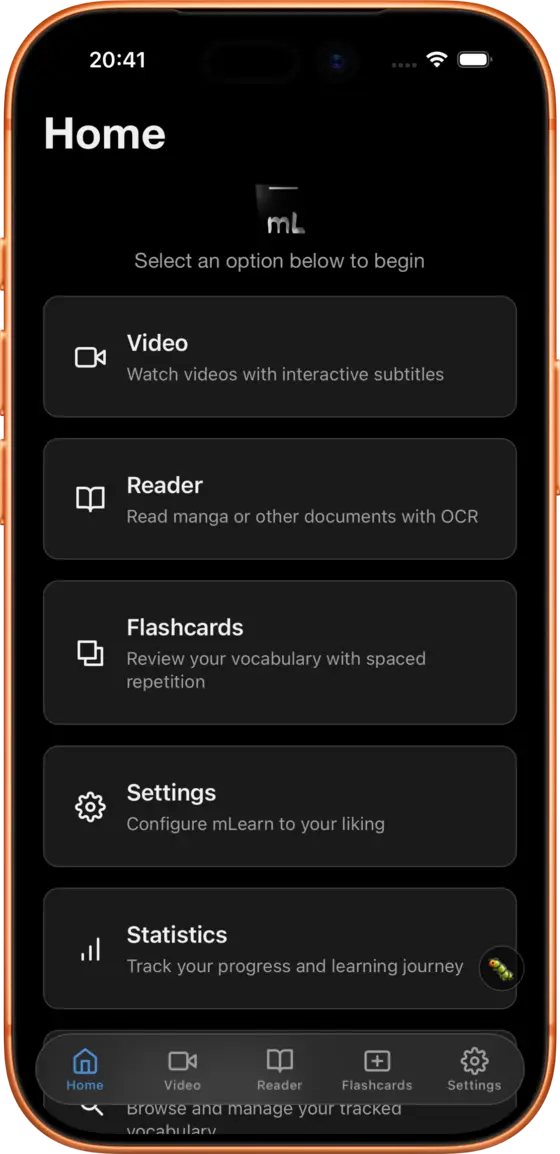
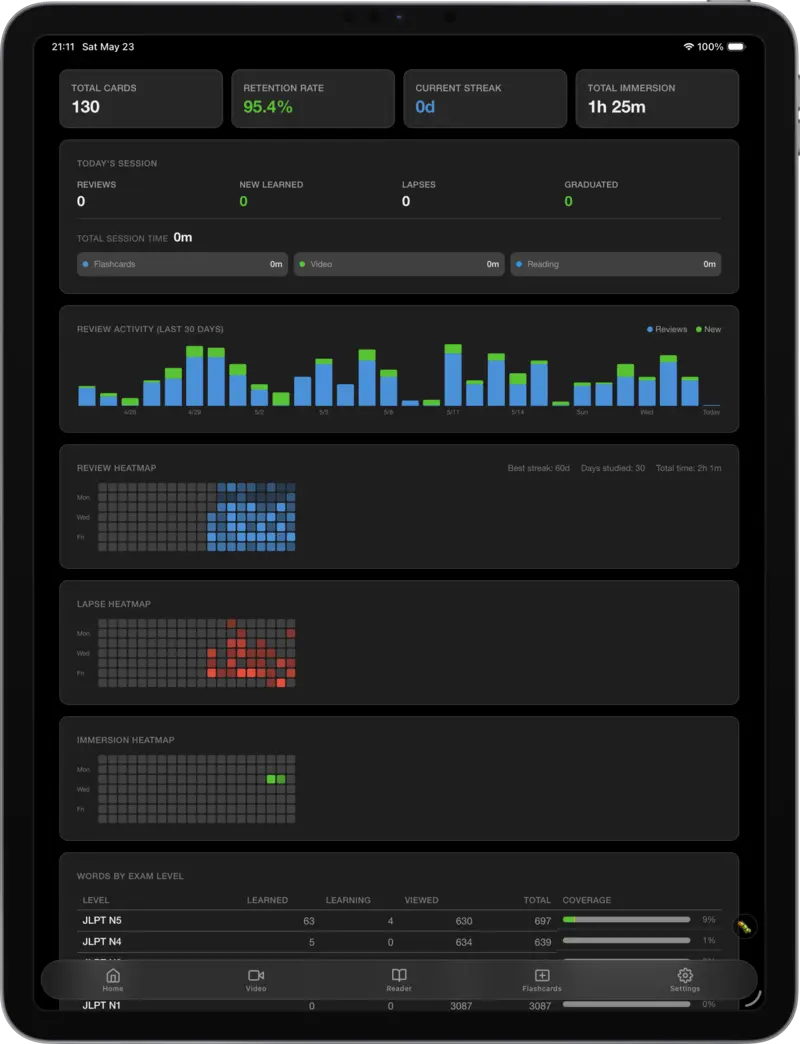
The full mLearn experience — video player, reader, SRS, AI tutor — as a native mobile app. Join the waitlist and we'll notify you when it drops. The PWA works right now if you want to get started.
FAQ
Learn from the things you already love.
Bring videos, books, and vocabulary into one learning loop—without turning immersion into admin.
 Download mLearn